MFPD SCRIPTS • AI POLICE BACKUP
MFPD-PoliceCompanion
Your squad. Your formation. Your command.
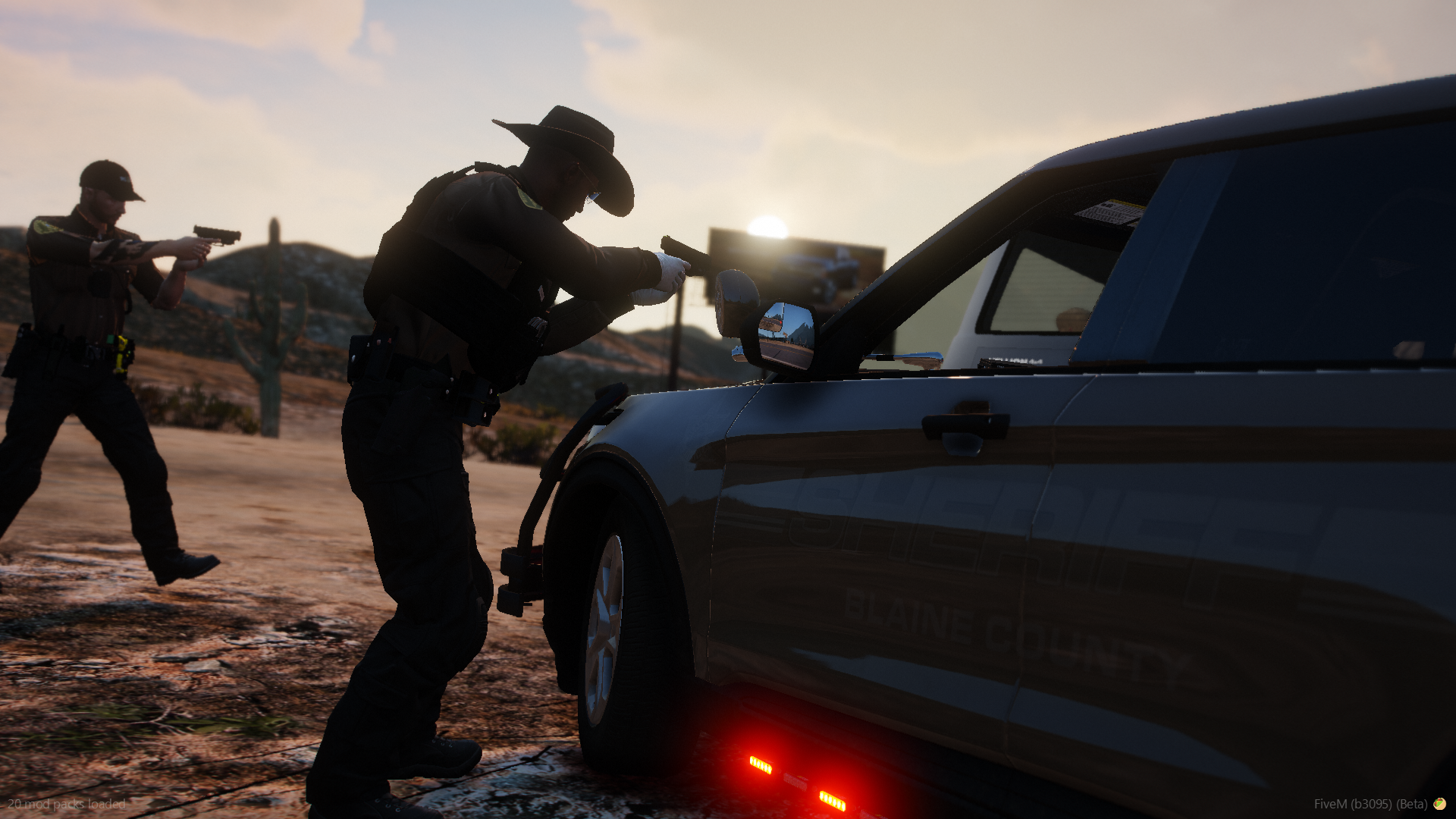
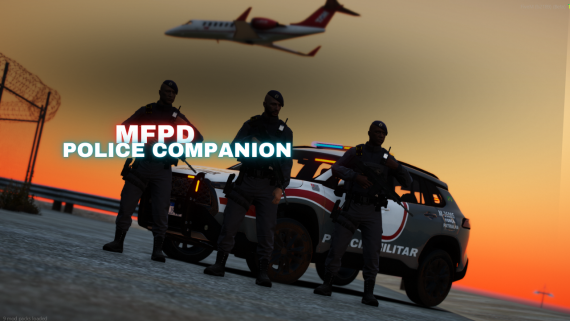
Bring AI police backup into your patrols with custom formations, verified threat response, vehicle support, and direct squad controls.
10 COMPANIONS • CUSTOM FORMATIONS • EUP CLOTHING SUPPORT
SEE IT IN ACTION
Video previews
Explore six gameplay clips using the direct video links below.
PREVIEW 01
Watch MFPD-PoliceCompanion gameplay preview 1 →
Open the direct MP4 video.
PREVIEW 02
Watch MFPD-PoliceCompanion gameplay preview 2 →
Open the direct MP4 video.
PREVIEW 03
Watch MFPD-PoliceCompanion gameplay preview 3 →
Open the direct MP4 video.
PREVIEW 04
Watch MFPD-PoliceCompanion gameplay preview 4 →
Open the direct MP4 video.
PREVIEW 05
Watch MFPD-PoliceCompanion gameplay preview 5 →
Open the direct MP4 video.
PREVIEW 06
Watch MFPD-PoliceCompanion gameplay preview 6 →
Open the direct MP4 video.
Build your police squad
Build your own AI police squad with MFPD-PoliceCompanion. Request up to 10 active companions per player, copy your character's clothing and equipment, arrange your squad in custom formations, and bring backup along on foot or in a vehicle. Companions respond to verified hostile NPC attacks against you or your squad, share threat awareness, and use dedicated combat behavior to maintain their targets and firearms during a fight. Manual aiming, cease-fire controls, area patrols, patrol torches, and an in-game command guide give you control over how your squad operates.
SQUAD CONTROLS
Every command at a glance
| Command / default key | What it does |
|---|---|
| /mfpd | Request one companion at a time; maximum 10 active companions per player. |
| /bye | Dismiss your entire squad. |
| /stay · J | Toggle hold position and following; recalls companions when deployed. |
| /pullcomp | Recover companions by teleporting them near your current position. |
| /compstatus | Show companion count and current operating state, including combat. |
| /formation | Open the visual formation editor and shared presets. |
| /helpcomp | Open the searchable companion command guide. |
| /mfpdaim · H | While on foot and free-aiming at a valid entity, toggle squad aim on that target. |
| /stp | Toggle cease-fire: stop engagement while allowing on-foot aiming at verified threats. |
| /dep | Deploy your squad to patrol the surrounding area; use again to recall. |
| /ptrfoot | Toggle patrol torches for companions on foot. |
| /ptrcar | Toggle patrol torches for companions riding in your vehicle. |
Command names are editable in config/config.lua. Aim, stay, and deployment controls can be assigned through FiveM key bindings.
During combat: use /stp or /stay to interrupt an engagement before issuing movement, manual aim, or torch commands.
WHAT YOUR SQUAD CAN DO
Features and behavior
FEATURE 01
Visual Formation Editor and Shared Presets
- Position companions around the player using a drag-and-drop formation grid.
- Fine-tune left/right, forward/back, and vertical offsets with numeric controls.
- Use grid zoom, arrow-key adjustments, restore, and reset controls to edit your layout.
- Save individual player formations for reuse across sessions.
- Create, load, update, and delete named formation presets shared across the server.
- Companions follow their assigned offsets, with follow speed adjusted according to the player's movement.
FEATURE 02
Verified Threat Response and Stable Combat Targets
- Combat response requires evidence of a hostile NPC attacking, firing toward, engaging in melee with, or damaging the player or squad.
- Nearby gunfire and hostile relationship settings alone do not authorize engagement.
- Shared threat memory helps squad members recognize the same attackers, including companions added during an ongoing fight.
- Tracks multiple attackers and considers existing squad assignments when selecting targets.
- Once engaged, companions retain a valid target rather than repeatedly switching between enemies.
- Engagement uses configurable distance, visibility, field-of-view, and target-tracking rules.
- Combat takes priority over following, vehicle boarding, patrols, and torch animations. Use
/stpor/stayto interrupt an engagement before issuing movement, manual aim, or torch commands. - Companions resume following or deployed patrol behavior after combat ends, subject to the active squad mode.
FEATURE 03
Weapon Inheritance and Combat Firearm Control
- Copies supported weapons from the player's loadout, including configured weapon components.
- Outside active combat, companions follow the player's selected weapon when usable and permitted by their current mode or vehicle seat.
- Weapon tint is mirrored where supported.
- At engagement start, companions prioritize the player's current usable firearm and select an appropriate alternative when needed.
- During combat, each companion keeps its selected firearm instead of cycling weapons every time the player changes equipment.
- Combat weapon maintenance replenishes depleted ammunition and reasserts the selected firearm if the game attempts to stow it or switch to melee.
- A configurable fallback firearm is available when no suitable inherited firearm can be selected.
- Melee inheritance is authorized only for the exact melee weapon equipped when that companion is spawned; automatic threat combat uses firearm selection.
- Compatible addon weapons and components can be included in the configuration.
FEATURE 04
Manual Aim and Cease-Fire Controls
/mfpdaimor H by default - while on foot and free-aiming at a valid entity, order companions to hold aim on that target.- Toggle manual aim again to stand down. Aim mode also ends if the target dies or disappears.
- Manual aim requires an entity target; empty surfaces do not create a target lock.
/stp- toggle cease-fire mode, stopping combat engagement while allowing companions on foot to aim at visible verified threats.- Cease-fire suppresses shooting, melee engagement, and mounted combat. Newly added companions are also governed by the active cease-fire state.
FEATURE 05
Area Deployment and Patrol Torches
/dep- deploy companions to patrol around the location where the command is issued. Use it again to recall them.- Companions disembark from the player's vehicle when deployed.
- Patrol radius, travel length, and rest time can be adjusted in the configuration.
/ptrfoot- toggle patrol torch animations for companions on foot./ptrcar- toggle patrol torch animations for companions seated in the player's vehicle.- Visible torch props and randomized patrol animations are synchronized through the server.
- Torch light reach, brightness, beam shape, and color have configurable settings.
- Active torch mode transitions between on-foot and vehicle patrol as the player enters or leaves a vehicle.
- Weapons are temporarily stowed during torch use, and interrupted animations receive prop cleanup.
- Use the current torch-mode command again to cancel it. Combat clears active torch behavior.
FEATURE 06
Vehicle Support
- Companions automatically enter and leave the player's vehicle while following.
- Available passenger seats are assigned automatically.
- Companions left outside after the boarding grace period can be placed into remaining free seats.
- Mounted combat weapon selection accounts for vehicle-seat weapon restrictions.
- On-foot weapon behavior is restored after disembarking.
FEATURE 07
Freemode Appearance and EUP Clothing
- Supports male and female freemode companion models.
- Copies the player's clothing components and props, including compatible installed EUP clothing.
- Copies hair style and colors, eye color, and supported head overlays.
- Uses player-derived head-blend data with companion-specific adjustments and fallback appearance pools.
- Compatible weapon flashlights are enabled automatically at night when appropriate.
FEATURE 08
Multiplayer Synchronization and Player Protection
- Networked companion appearance data is shared with other clients and replayed when requested by joining or restarting clients.
- All player characters are excluded from companion hostile target selection, including manual aim targeting.
- Police, security, backup, and companion relationship groups are excluded from scripted hostile target selection.
- Client-side safeguards help prevent companion attacks against players after network ownership changes.
- Player protection is scoped to companions; the resource does not rewrite relationships between the game's standard player, police, and security groups.
- Cleanup handles dismissal, owner disconnects, resource shutdown, and associated patrol props.
FEATURE 09
In-Game Command Guide and Notifications
- A dedicated interface shows command descriptions, categories, and usage guidance.
- Search commands and browse them by purpose.
- Configured command names appear automatically in the guide.
- View companion count, squad mode, and weapon-policy information.
- Built-in on-screen notifications provide command feedback. The current interface and notifications are in English.
Make it fit your server
- Standalone operation: standalone mode is the default.
- Framework job checks: ESX and QBCore allowed-job lists are provided for setups that initialize the corresponding framework object.
- Editable configuration: adjust command names, deployment settings, companion armor and combat attributes, detection and engagement rules, appearance pools, torch settings, weapon lists, components, and fallback weapon through
config/config.lua. - Performance tuning: configurable scan limits, update intervals, weapon synchronization timing, boarding recovery, and cleanup intervals.
- Saved formations: individual layouts and shared presets are stored by the resource for reuse.
- Custom assets: EUP clothing and addon weapons must be installed separately and compatible with the companion models and weapon behavior.
GET STARTED
Installation
- Download and extract the MFPD-PoliceCompanion resource.
- Place the complete folder in your server's
resourcesdirectory. - Add the following line to your
server.cfg:ensure MFPD-PoliceCompanion - Adjust
config/config.luafor your server, then start the resource. - Use
/helpcompto review the controls and/formationto save your preferred squad layout.
MFPD-PoliceCompanion
Bring your squad along for the next patrol.